Learn Mandarin properly. For free.
MidMando takes you from your first character to HSK 9, following the new HSK 3.0 exam, with a daily plan that fits your day and a memory that never lets a word slip away. No ads, no subscription, no account.
Download free on the App StoreiPhone, iPad and Mac. Free, with no account. Works offline.

The best Mandarin app should not cost anything.
Most language apps charge you monthly and then slow you down so you keep paying. MidMando is made by one person who wanted the app he could not find. It is free, with nothing to unlock. The only thing I ask in return is that you tell me what would make it better.
Learn a little every day.
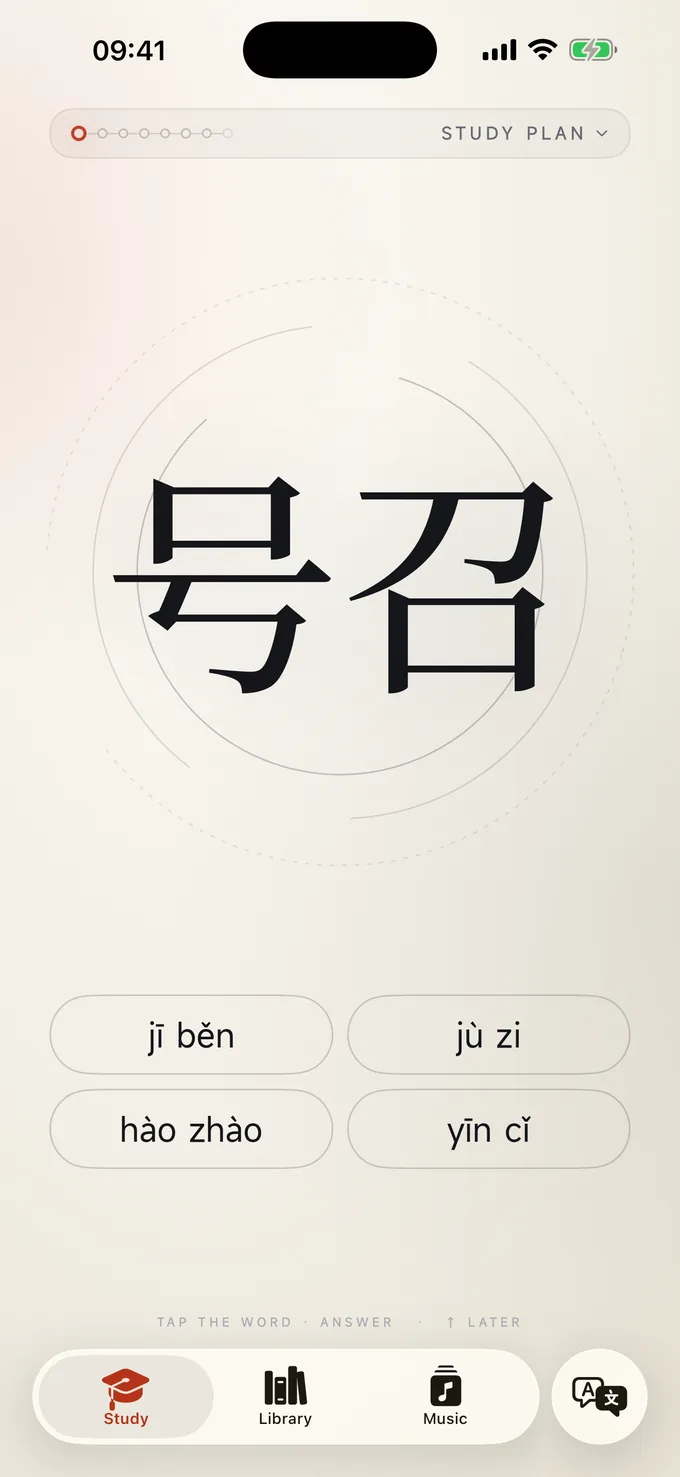
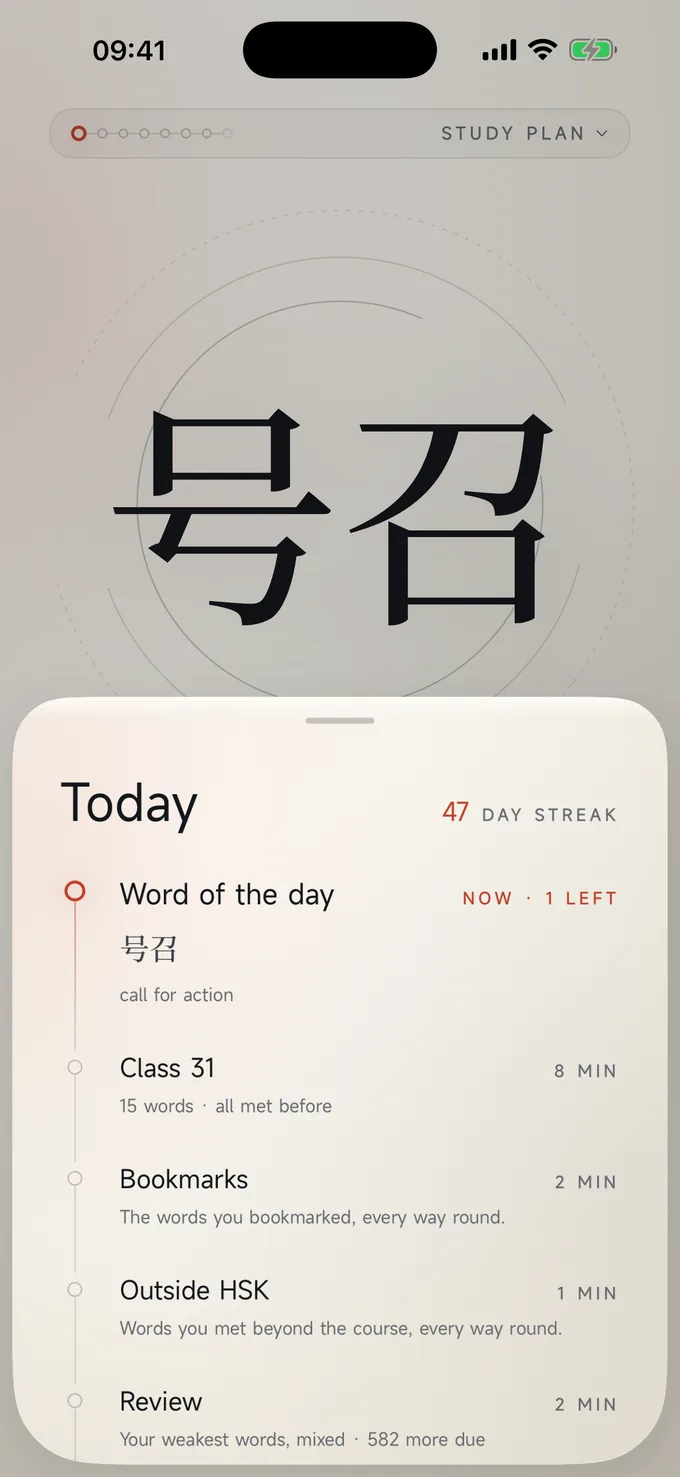
Open the app and the day's plan is ready: the word of the day, the next class in your course, the words you bookmarked, and a review of whatever is slipping. Twenty minutes, done.
Never lose a word.
Every answer you give updates that word's schedule. Miss it and it comes back tomorrow. Know it and it comes back in a month. The app remembers so you do not have to.
Read anything.
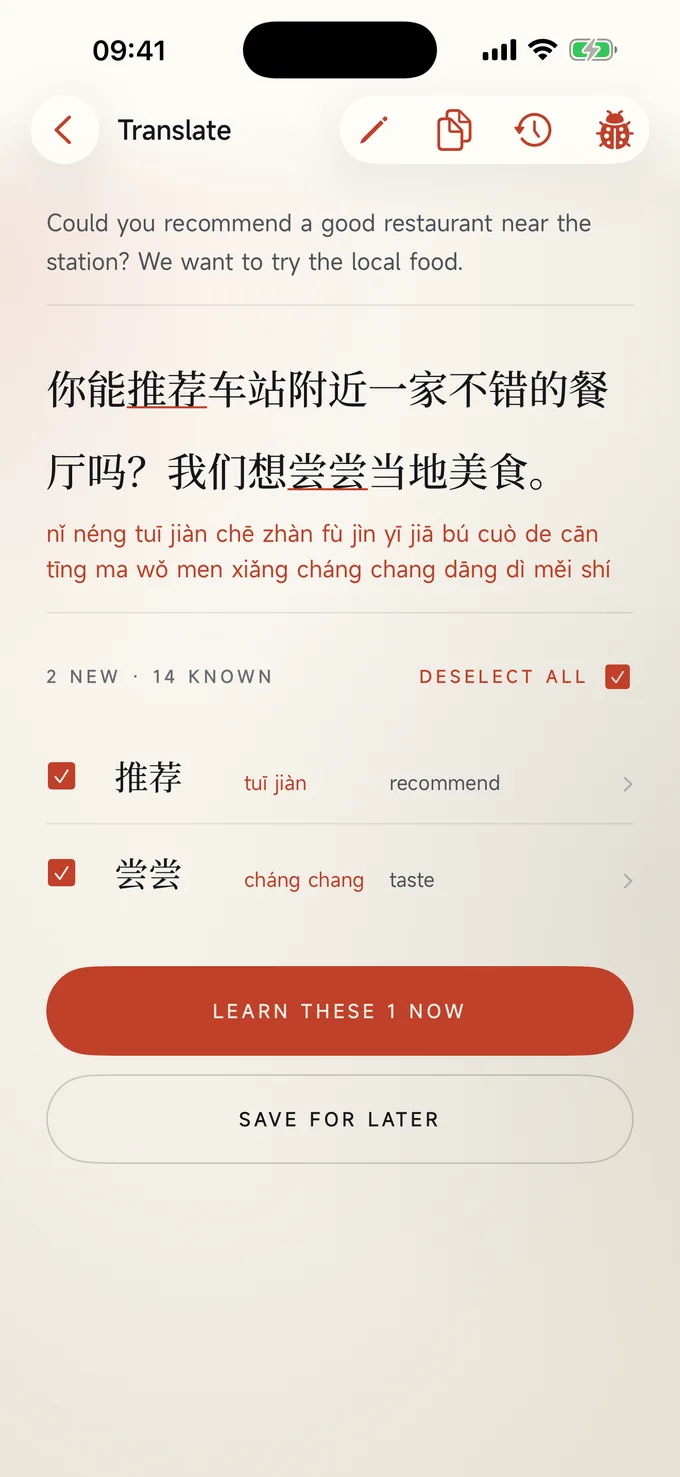
Paste a message, or point the camera at a menu, a sign or a page. You get the Chinese, the pinyin, the English and a list of the words you have not met yet, ready to learn.
Every HSK 3.0 word, from 1 to 9.
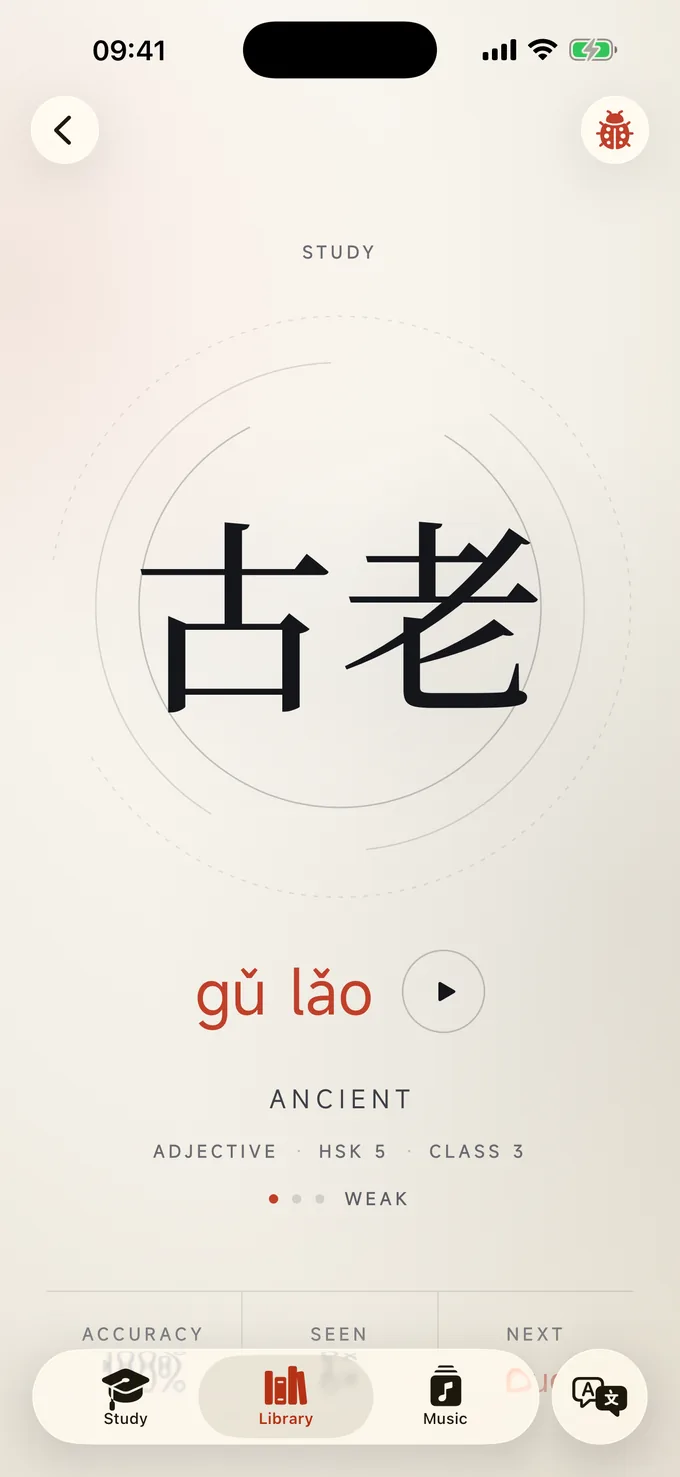
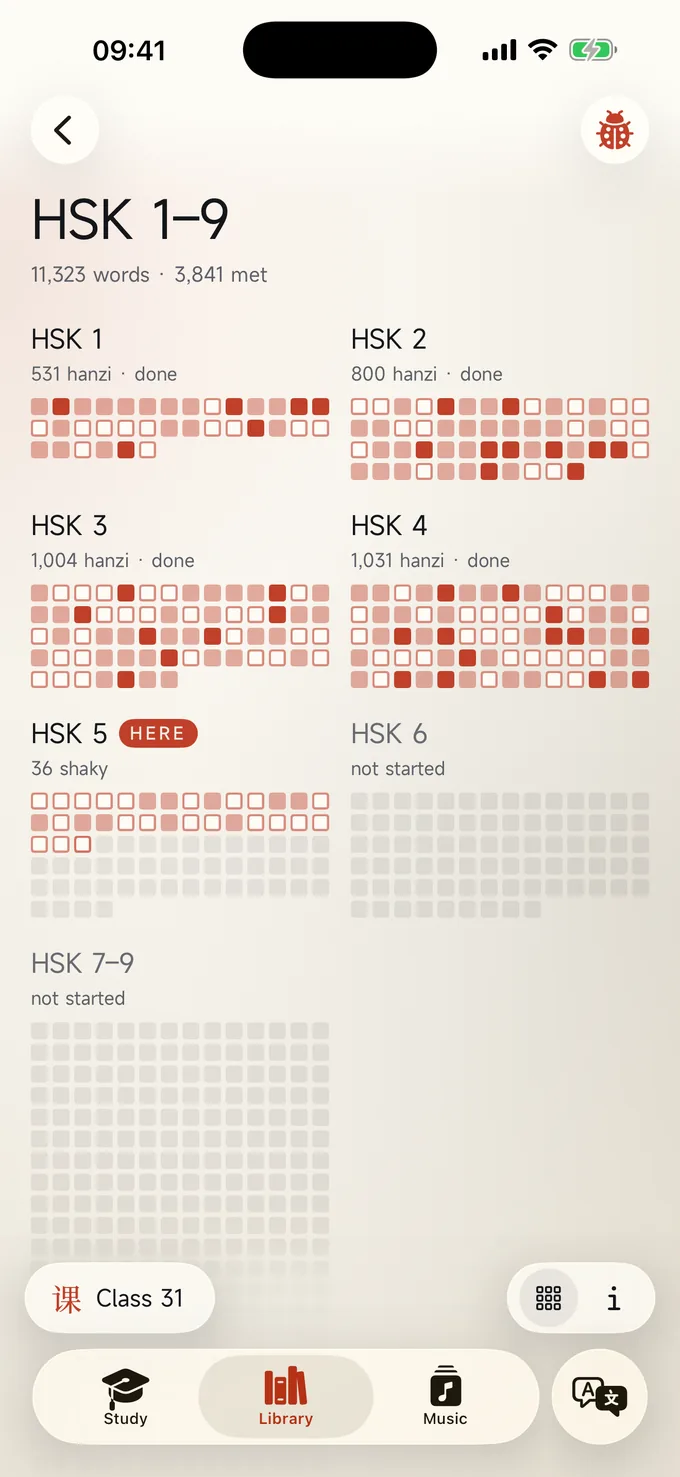
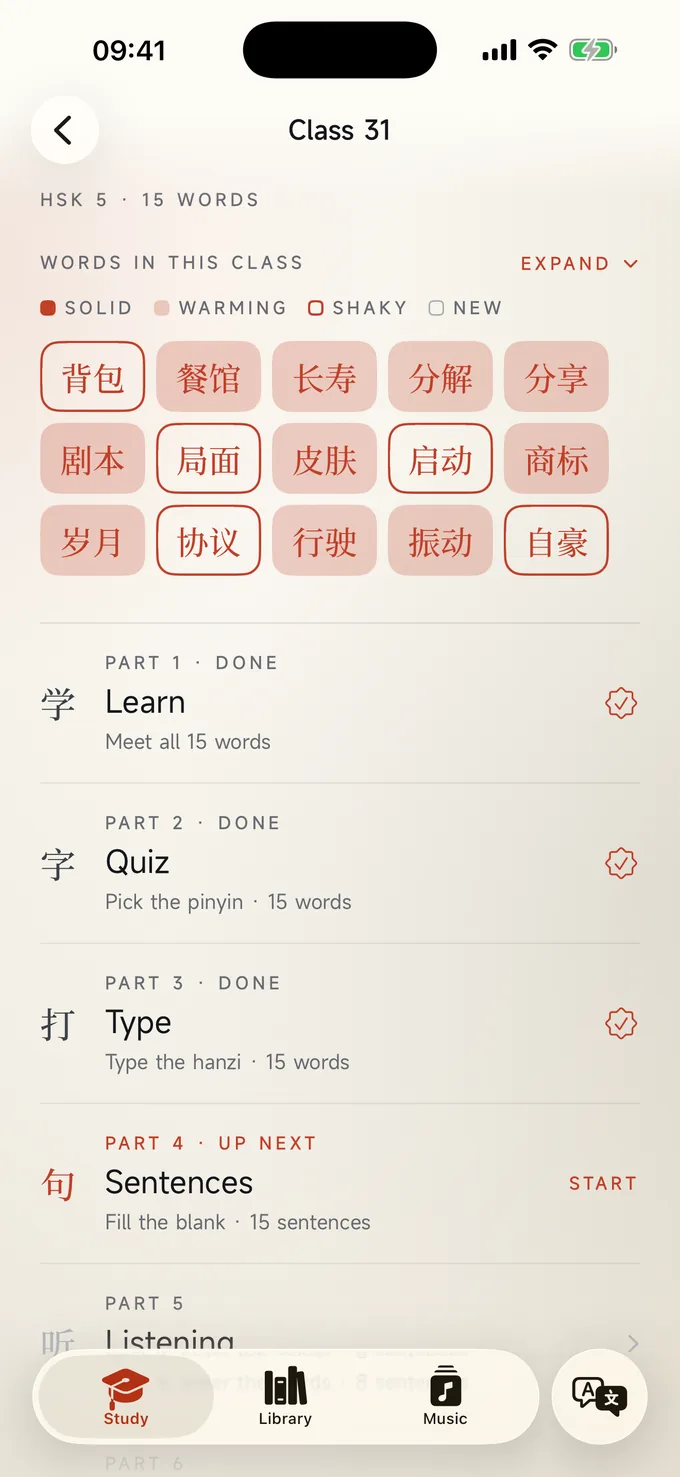
11,000 words across every HSK level, following the HSK 3.0 exam syllabus, grouped into short classes of about fifteen words. Each class has nine parts: learn, quiz, type, sentences, listening, tones, translation, write and a test. You can see every character you have met and how well you know it, so your Chinese visibly grows.
The things textbooks leave out.
Radicals and components, 5,242 idioms and sayings, 127 classical poems, the 34 provinces of China and their 961 districts, slang and texting, and 69 songs to sing along to. All of it built into the same memory as your course, so a word you meet in a poem counts towards the one in your class.
See the library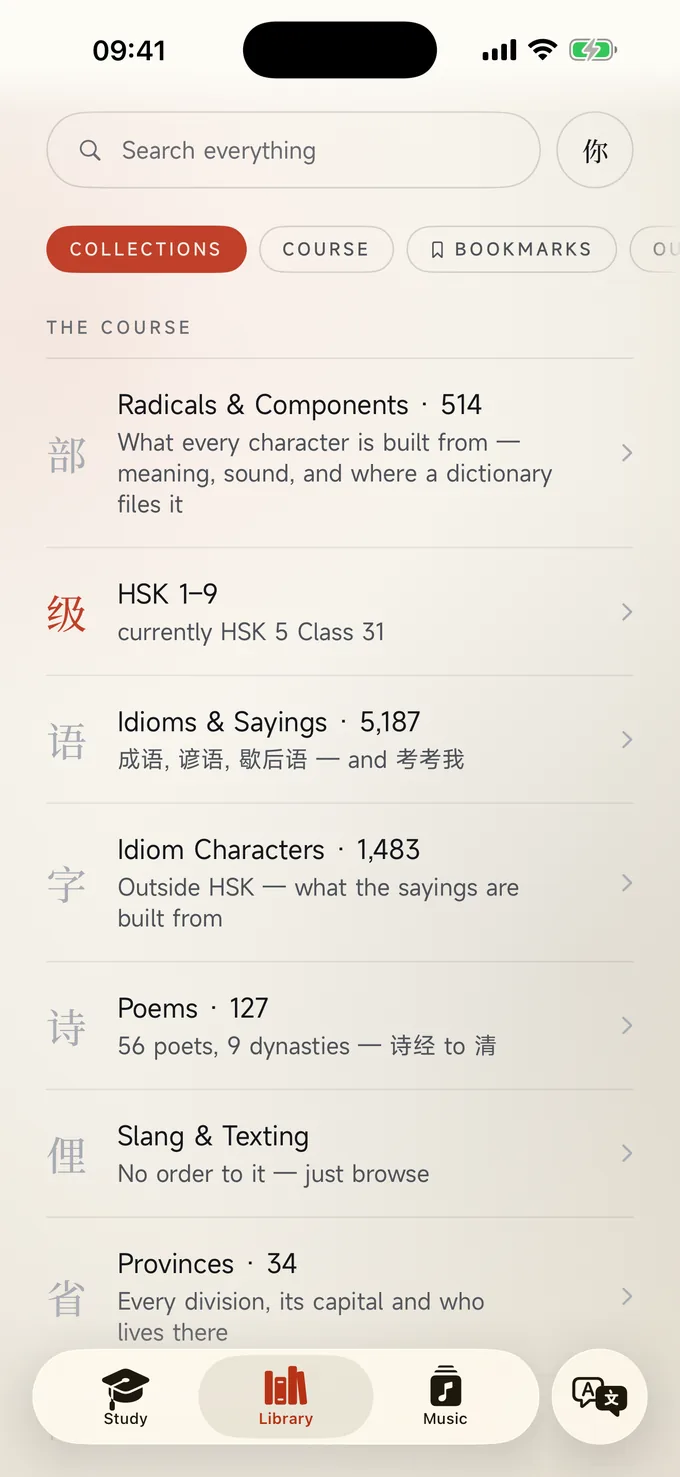
I want to hear from you.
This app is built one learner at a time. If something confuses you, if a word is wrong, if you wish it did something it does not, tell me. There is a Report a bug button on almost every screen of the app, and a feedback form on this site. I read every message and most of the app's best features started as one.
Send feedbackChinese on your screen, read in a keystroke.
Select Chinese text in any app — a browser, Mail, a PDF — and press ⌘⇧M. A small panel comes forward with the sentence split into words, a reading under each and the English, then it is gone when you press Escape. MidMando never steals focus, so the page you were reading keeps its place, and everything you look up is waiting in your history on your phone that evening.
See MidMando for Mac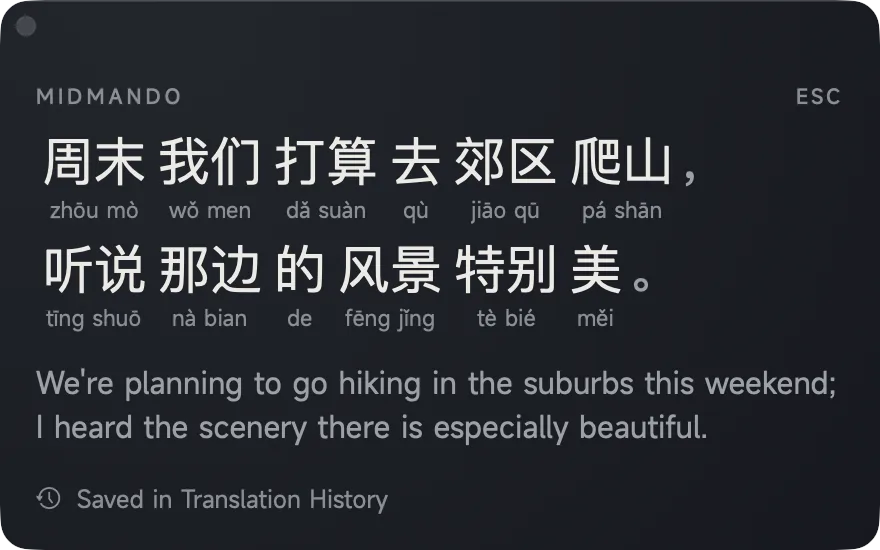
Focus on the skills you want.
Version 3.2.2 for iPhone and iPad, and 1.1.1 for Mac. Choose which skills to put your energy into, find your level with real exam questions, and learn new words with Flashcards.
Focus & skill levels
Choose where to put your energy among reading, listening, handwriting and typing. The skills you focus on come up more often; the others are asked less, never dropped. Each skill can also be unlocked up to its own level, so you can read at HSK 4 while you write at HSK 2.
A placement test built on the exam
Find my level asks which skills to test, then climbs each one on questions from the HSK practice papers: their recordings, their reading questions, and gap sentences you write by hand or type. Every skill keeps its own result.
Flashcards that teach
Practise a new word, or pass it if you already know it. Turn a word you have met to check yourself, then say whether you remembered it, with short tests in between. Every character is one card with all its meanings.
More practice papers
Thirteen more papers for HSK 1 to 4 (35 in all), which between them use every word of each level, both read and heard, with over 160 more pictures and a readiness card that shows how you have done in each section.