
The app, screen by screen.
Everything below is in the free app. Nothing here is behind a purchase.
Your daily plan
Every day the app builds a plan for you: the word of the day, the next class in your course, your bookmarked words, any words you met outside the course, a review of your weakest words, and your mix-ups. You choose how long it should be, from five words to fifty. Skip a day and the plan is still there tomorrow.
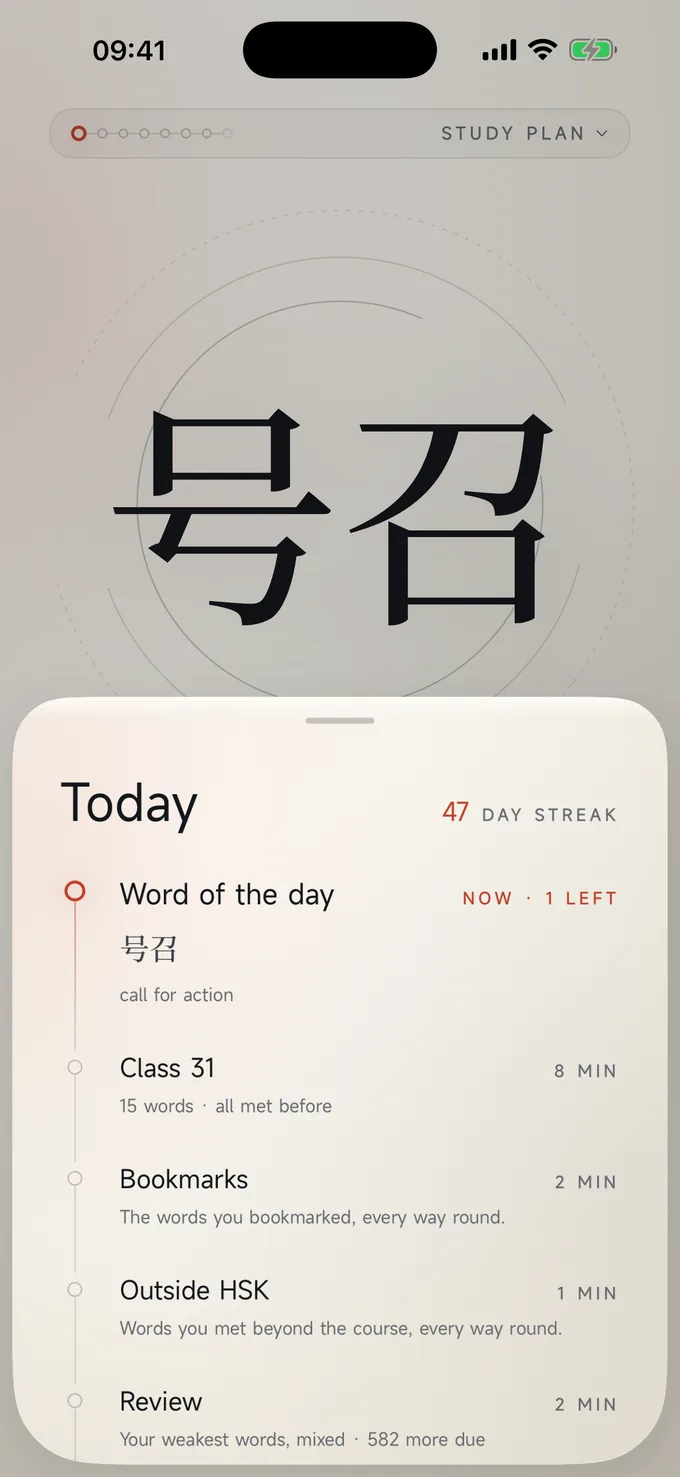
One card, five ways to know a word
The study card asks each word in five ways: read it, give its meaning, pick its tone, hear it and write it. A new word is asked only by reading until you know it, then the other skills join in. It looks simple because it is; the thinking is all underneath.
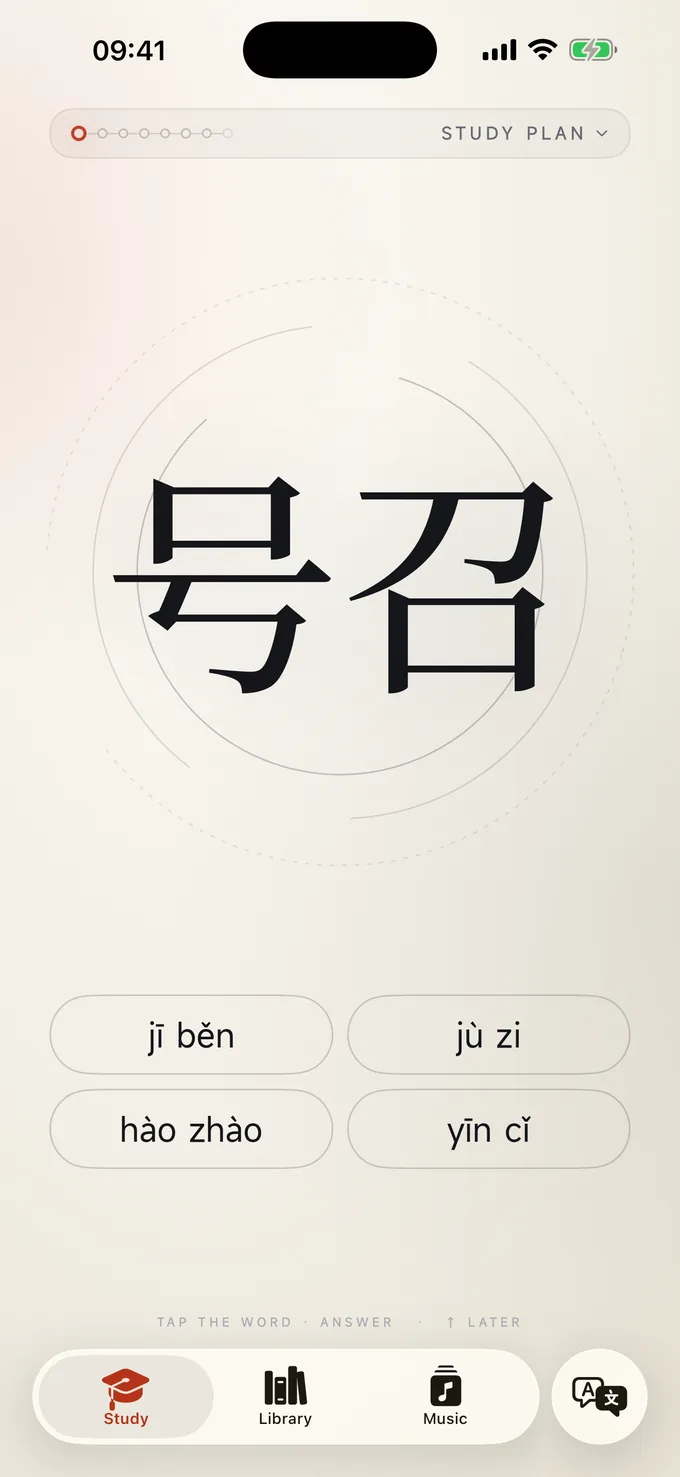
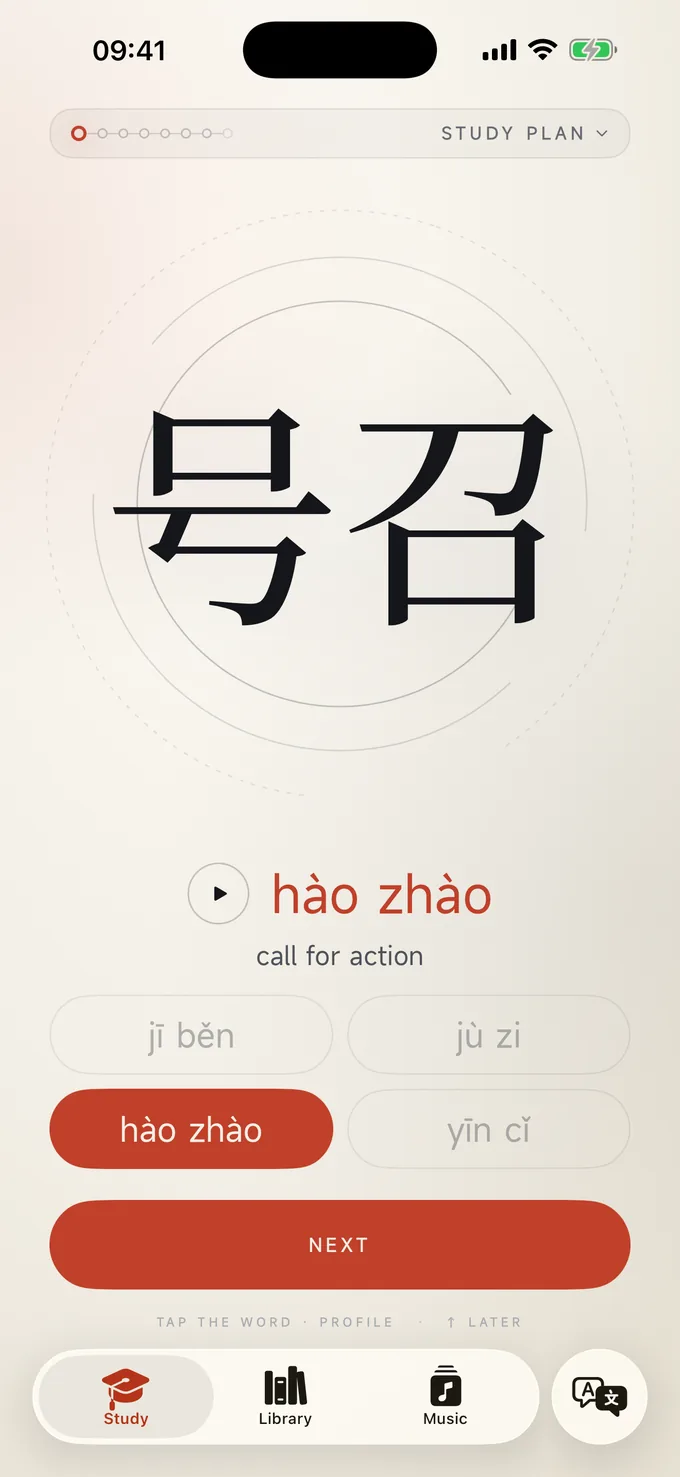
Four skills for every word
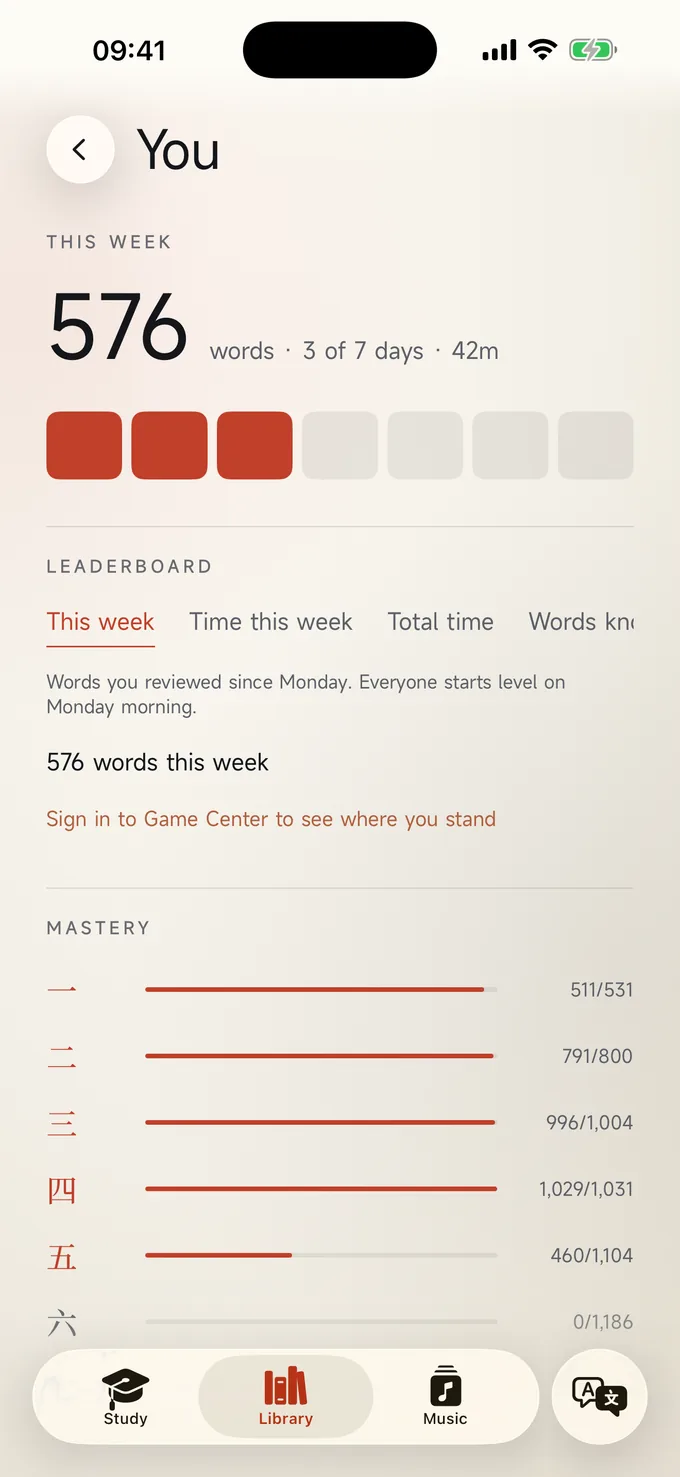
Every word records how well you read it, hear it, write it by hand and type it, each on the same ladder: not met, started, warming, solid, mastered. Show your whole course by any one skill and see what you can read and what you can write.
A memory that works
MidMando uses spaced repetition, the same method behind the best flashcard systems. Every answer moves that word's next review earlier or later. Words you keep getting right drift out to months. Words you miss come straight back. Your You page shows every word on one ladder — not met, started, warming, solid, mastered — for reading, listening, handwriting and typing.
Flashcards that teach
Practise new words, or pass the ones you already know. Turn a word you have met to check yourself, with short tests in between. Every character is one card with all its meanings.
The word profile
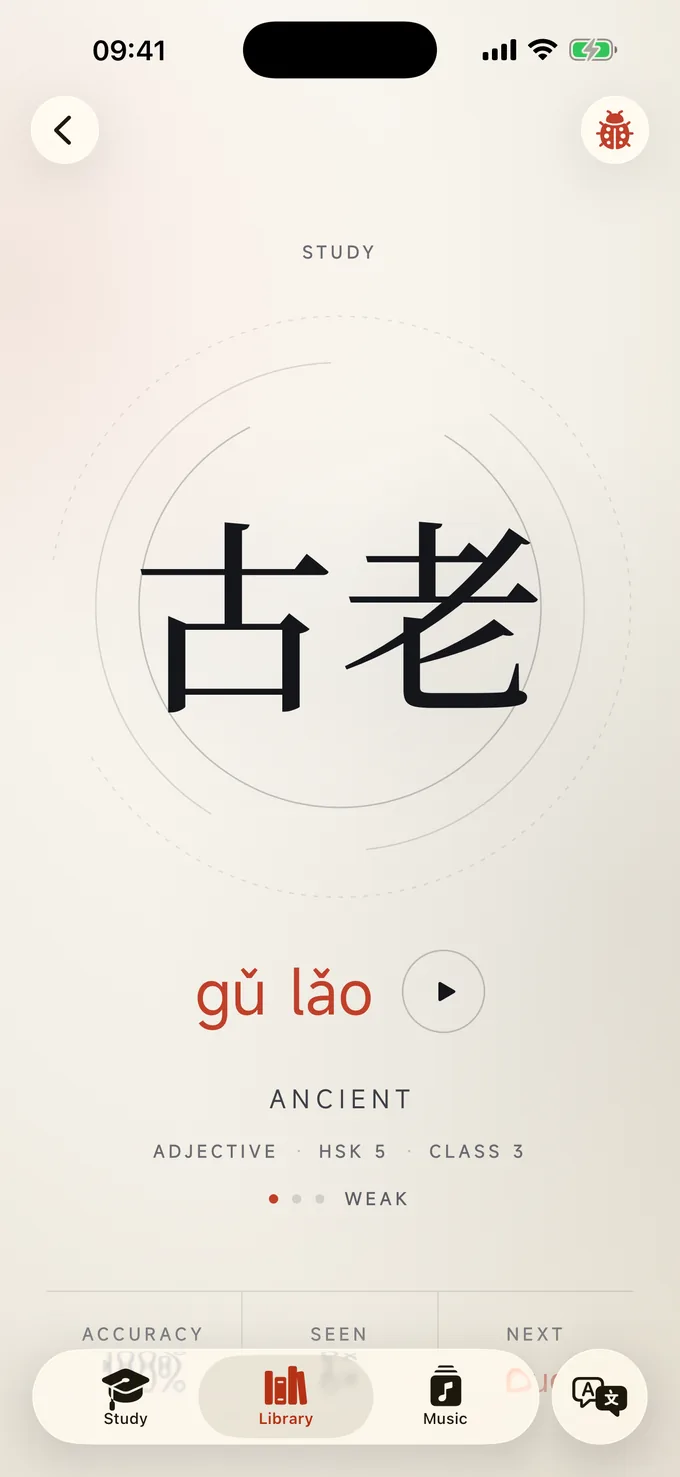
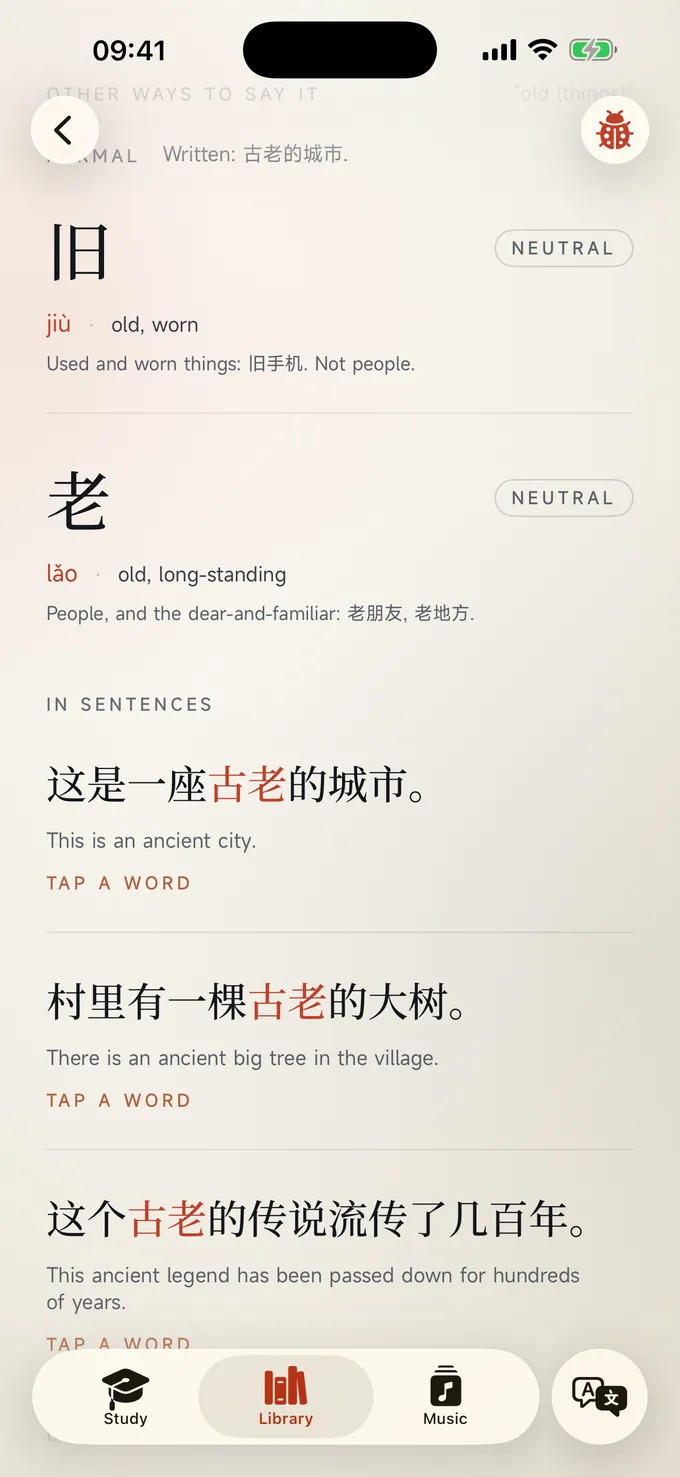
Tap any word anywhere and you get its page: the character in large serif, the reading with audio, every meaning, example sentences, words it is not the same as, tone traps, the pieces it is built from, and your own history with it. From here you can bookmark it or practise writing it.
All HSK levels, 1 to 9
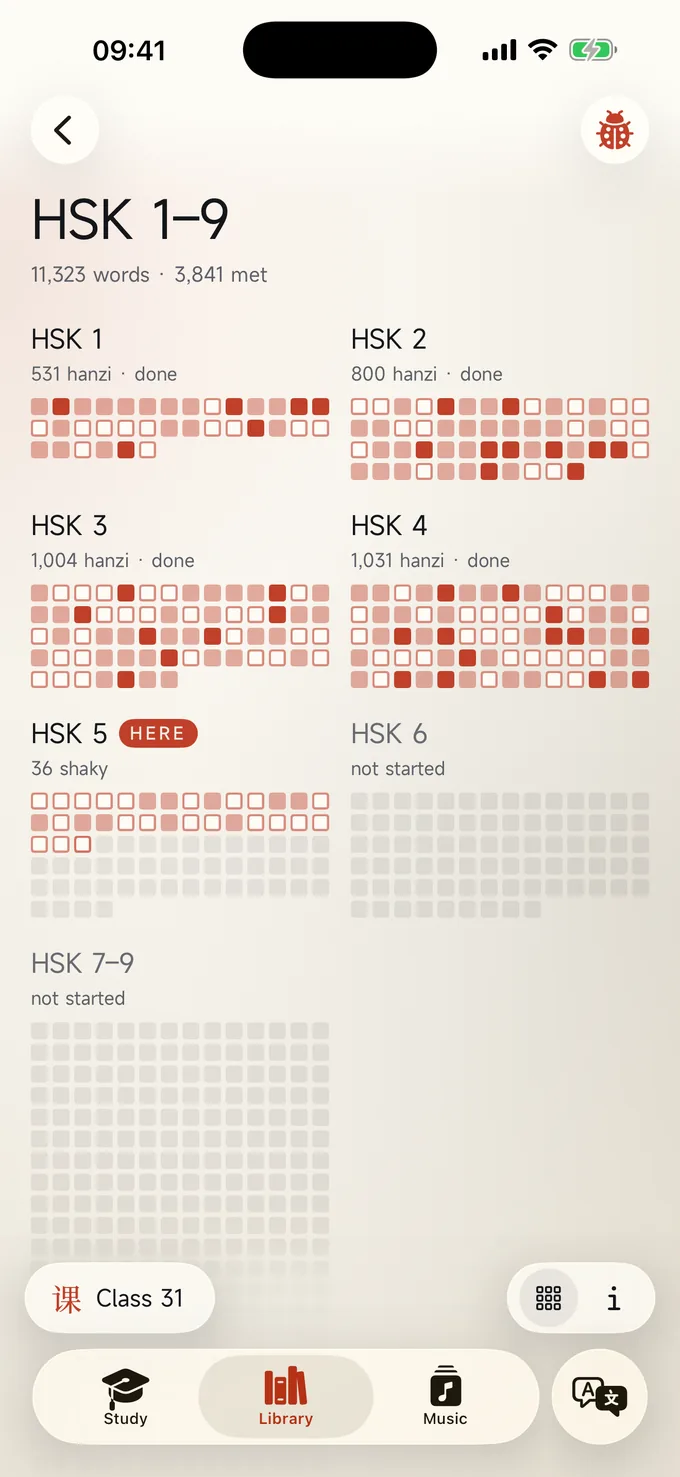
Every character in the course, across all nine HSK levels from 1 to 9, coloured by how well you know it. It is where you see your progress, find a class to open, or spot the words that need attention.
Classes with nine parts
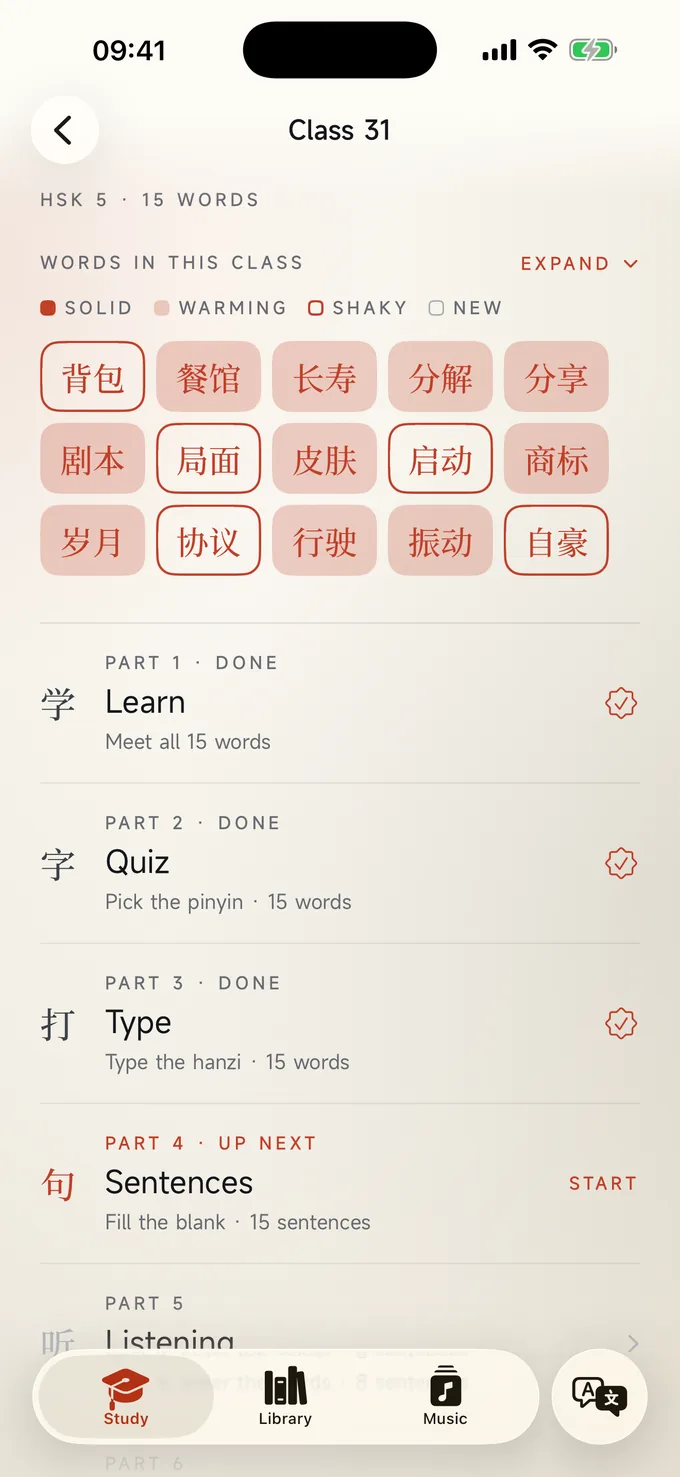
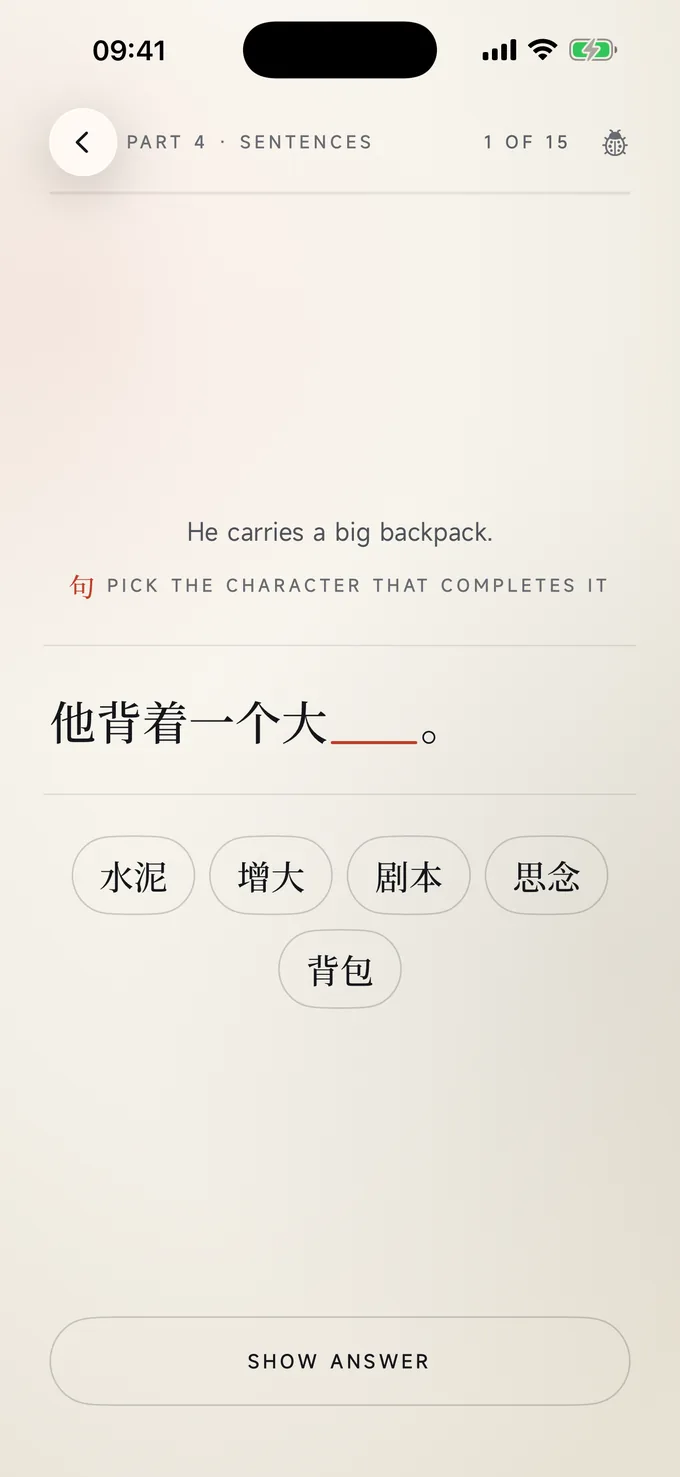
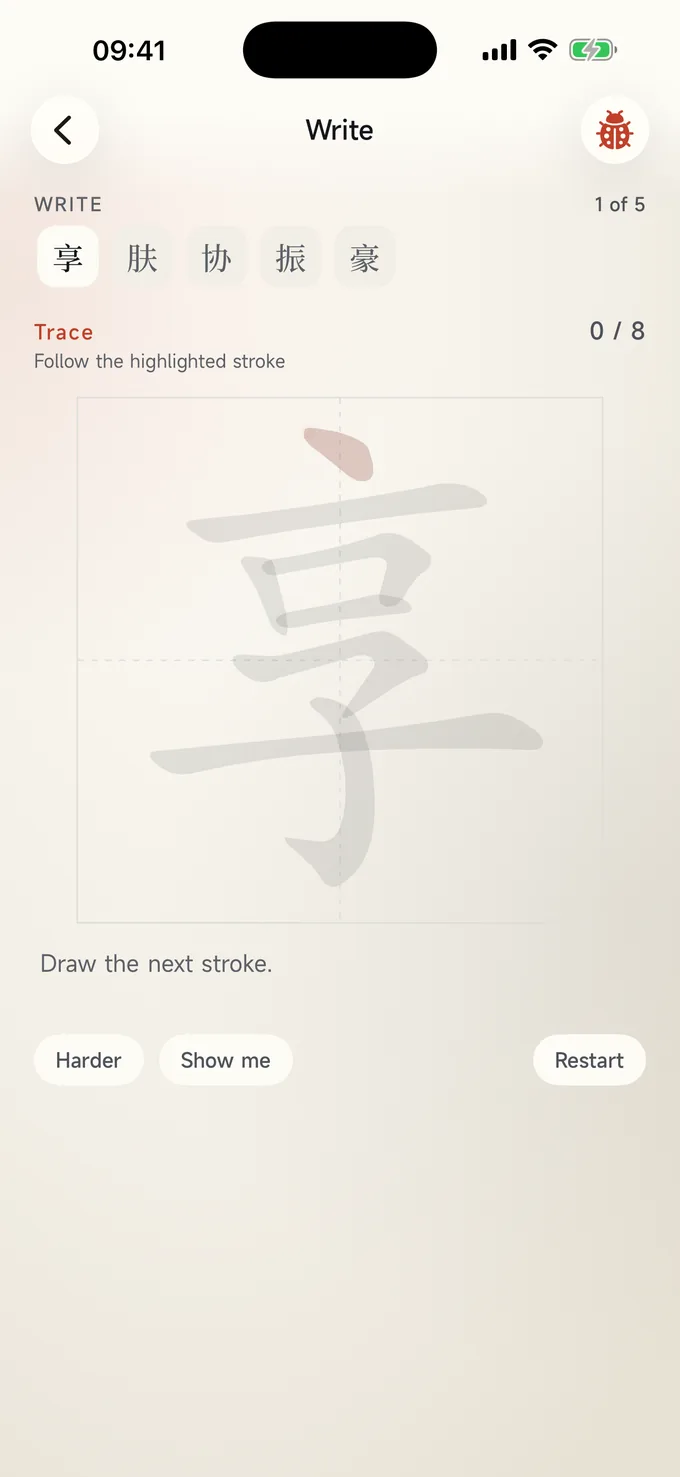
Each class in the course is about fifteen words and nine short parts: learn, quiz, type, sentences, listening, tones, translation, write, and a test to unlock the next one. Do the parts in order or dip into the one you need.
Practice papers
Full practice papers from HSK 1 to HSK 7–9, with their listening recordings, and a speaking test for HSK 3 to 6. Sit a paper as an exam, or practise with every answer checked as you go. Each question has an explanation in English, pinyin can be switched on or off, and you can ask for feedback on what you wrote or said. On iPad, write your answers with Apple Pencil.
Translate anything
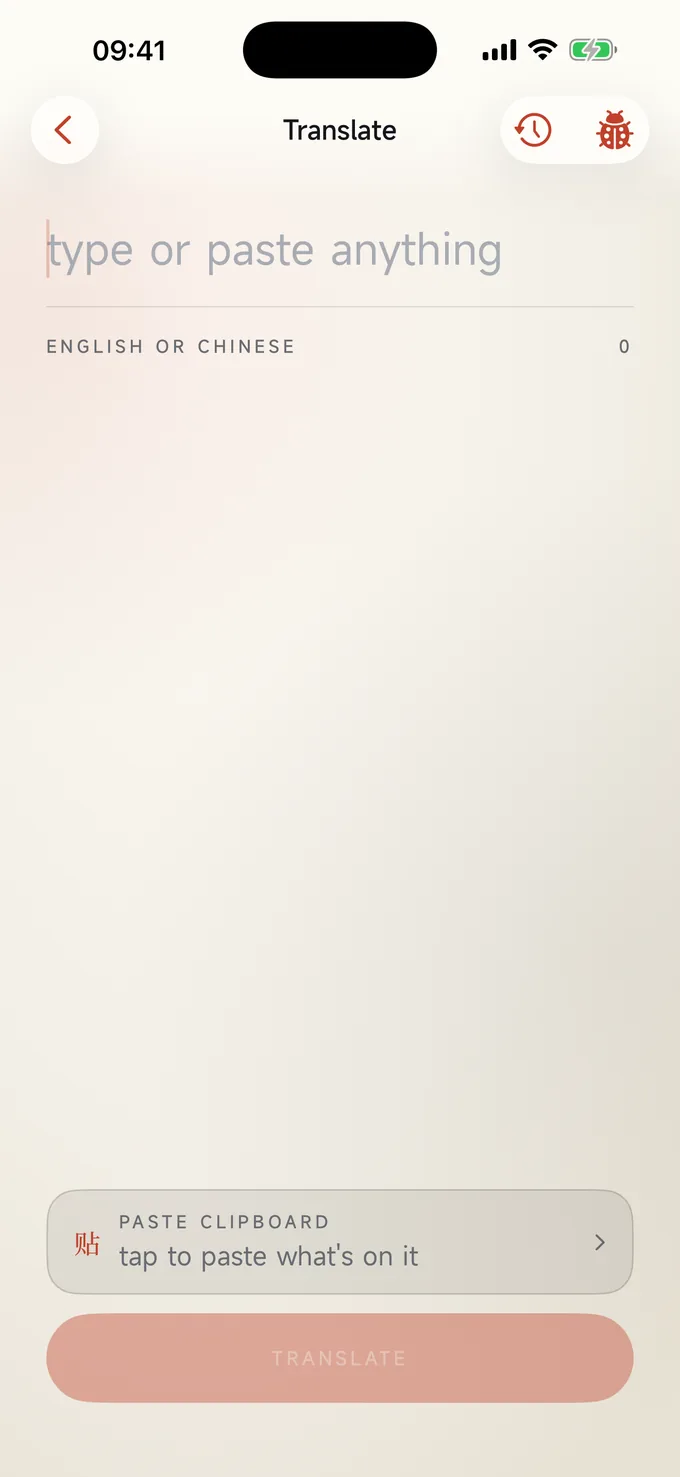
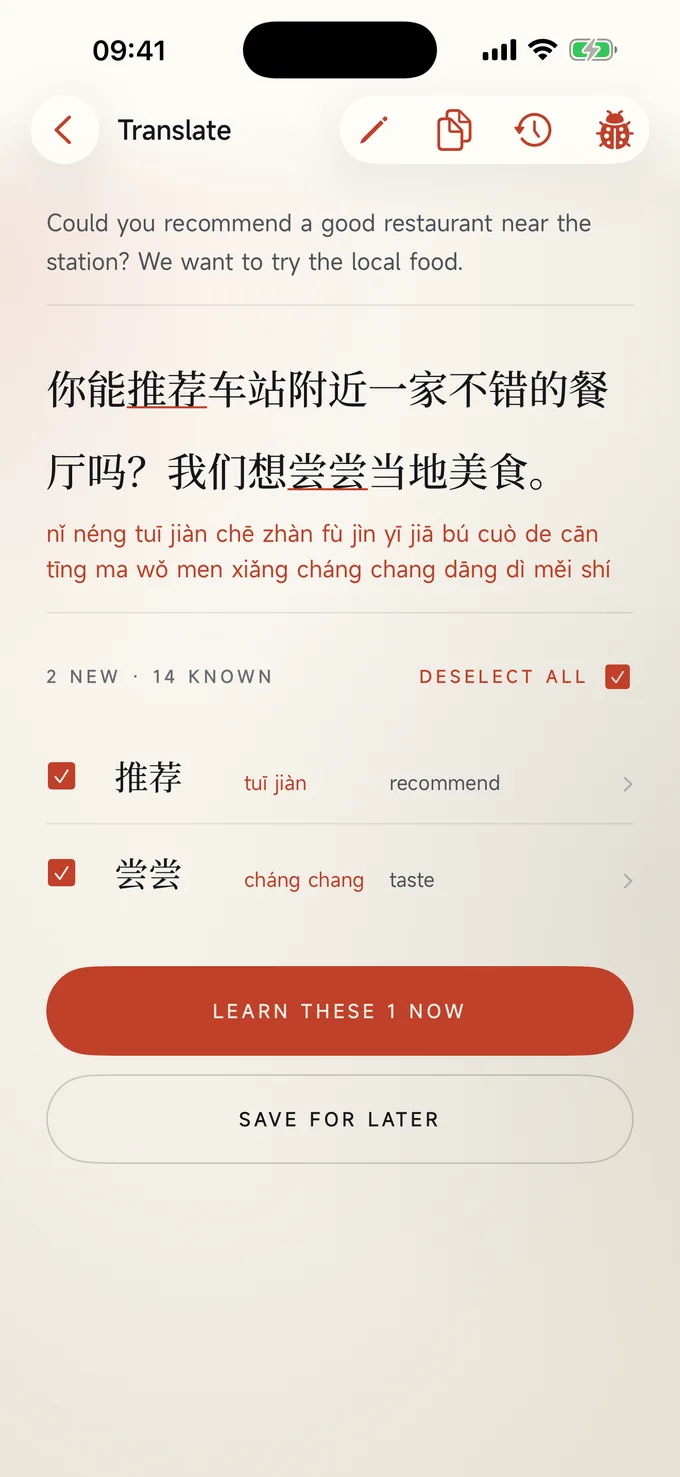
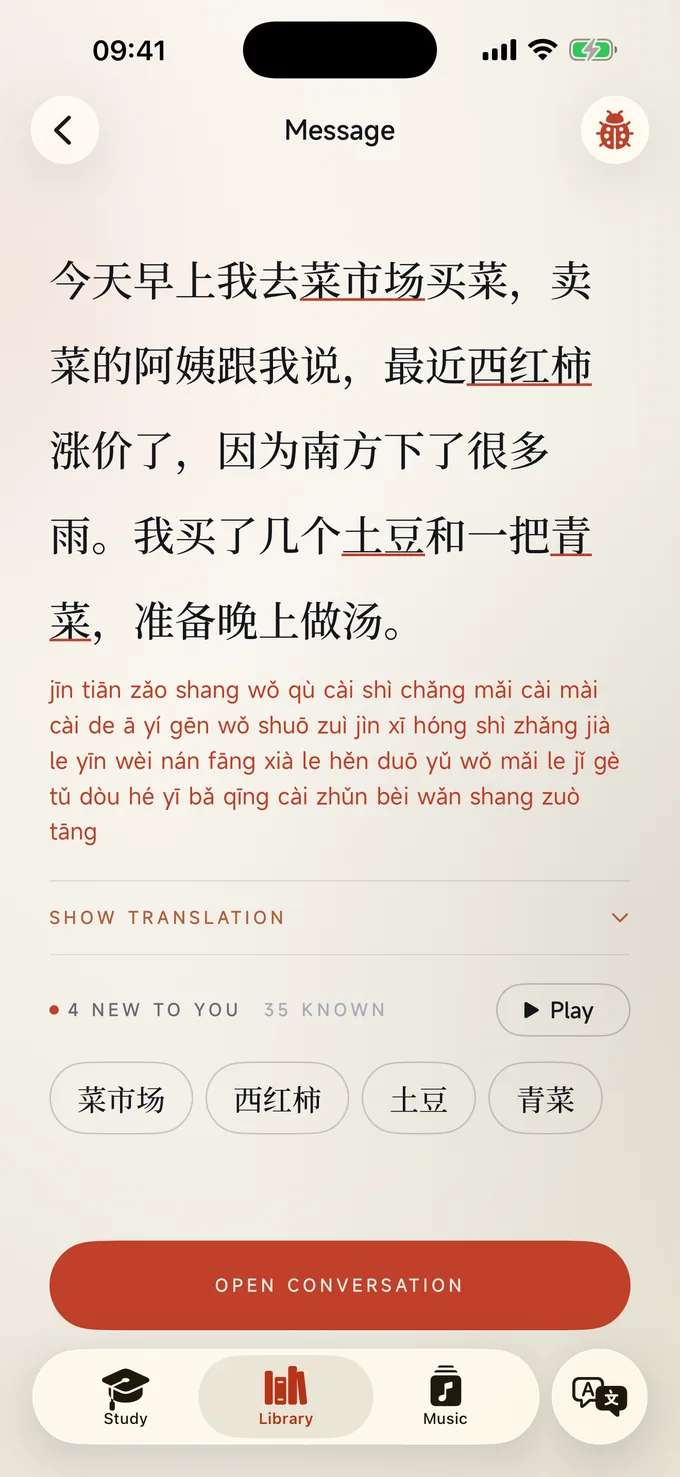
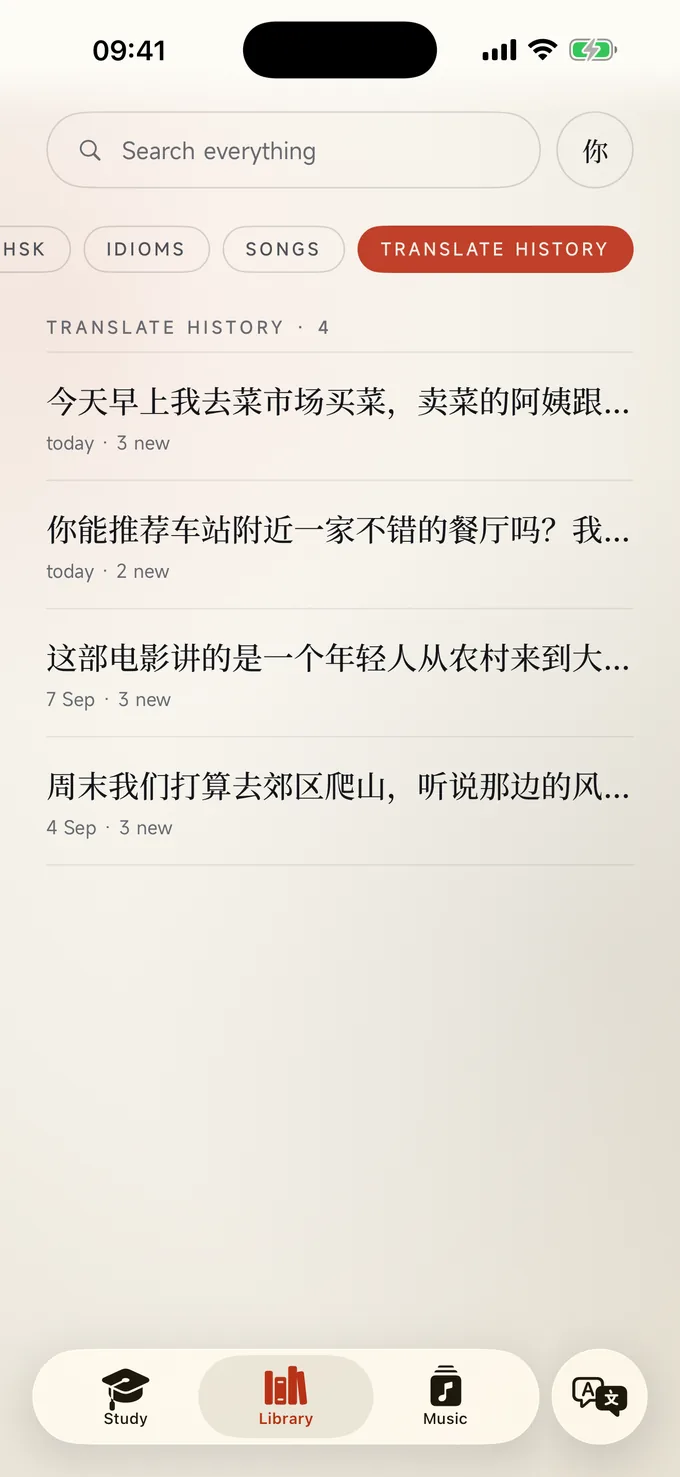
The plus button opens Translate. Type or paste English or Chinese, or use the camera or a photo, and you get the translation, the pinyin, how many of the words you already know, and a list of the new ones with a box beside each. Tick the ones you want and they go into today's plan or tomorrow's. Every message you translate is kept, with the new words underlined, so you can come back and read it again.
Search everything
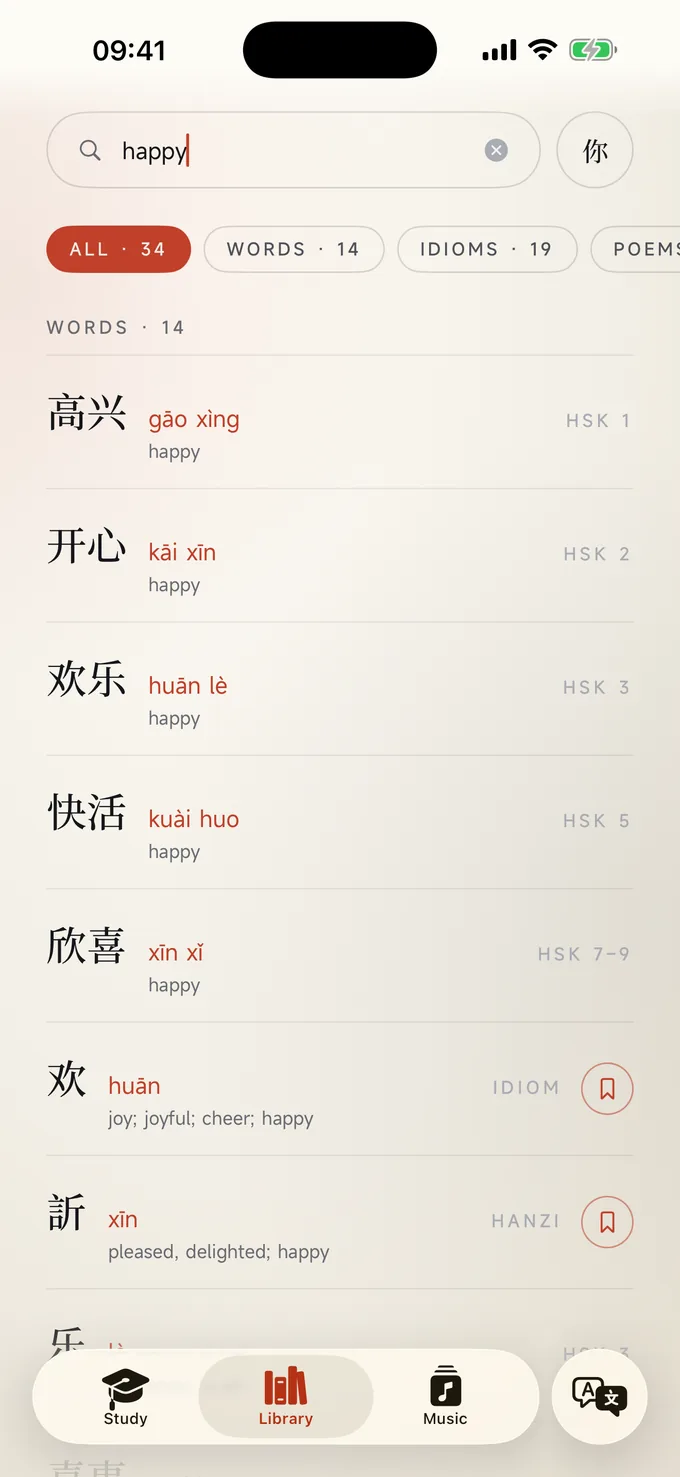
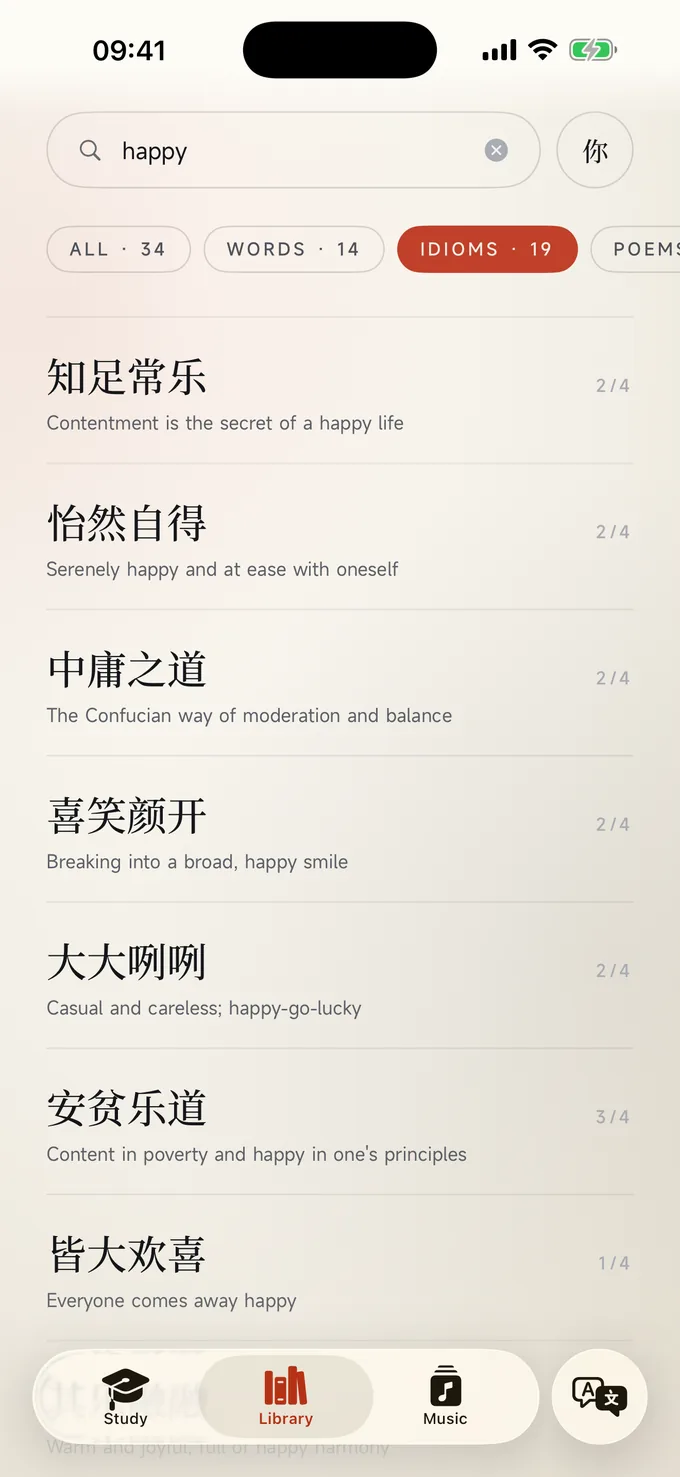
One search box covers words, idioms, poems, songs, places and your own translation history. Type in English, pinyin or Chinese.
Bookmarks and mix-ups
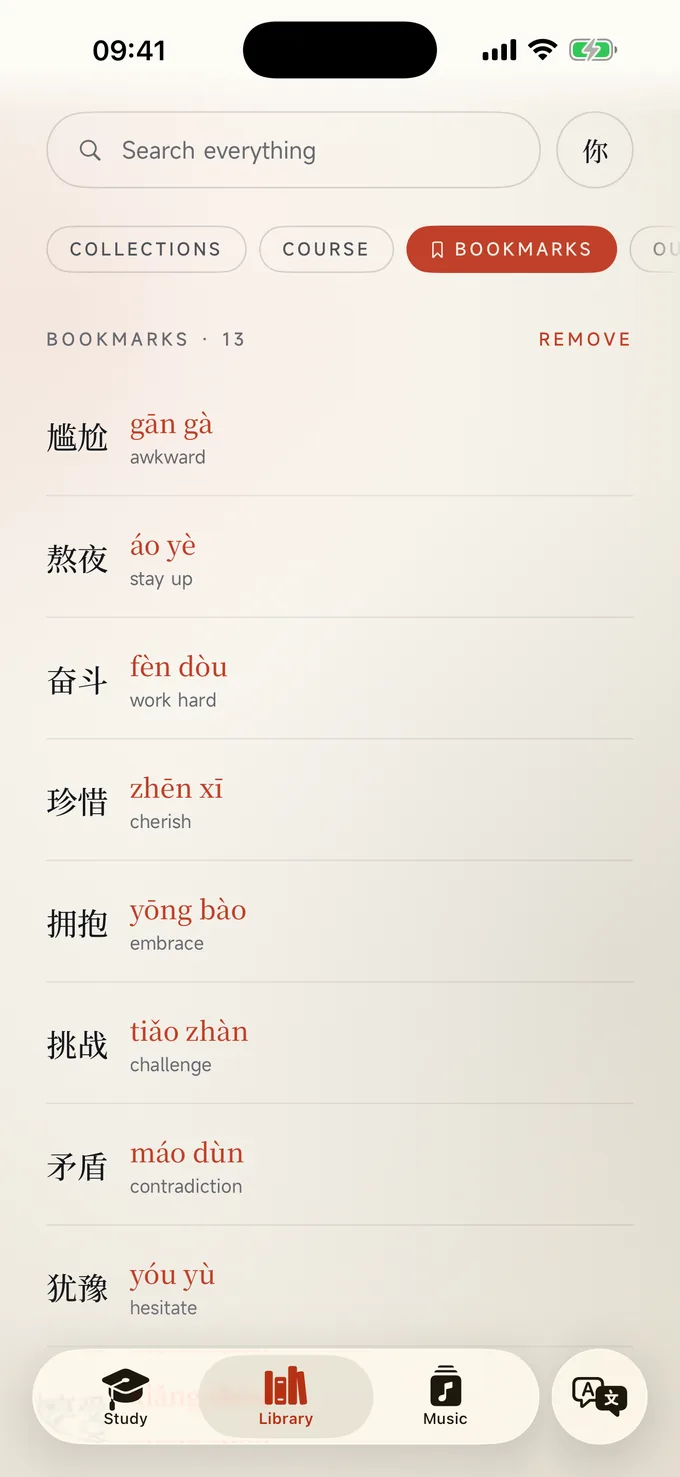
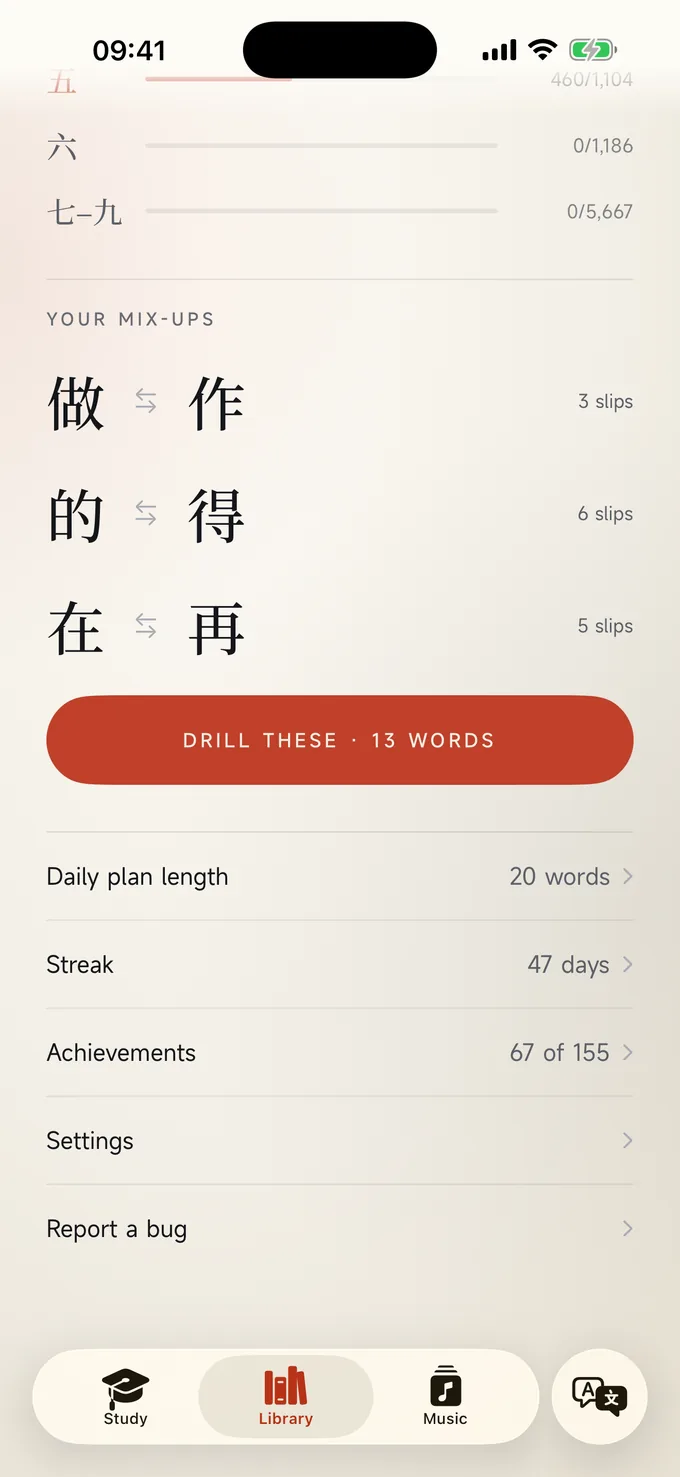
Bookmark any word and it joins your plan. When you confuse two words, the app notices and keeps them as a pair to drill together.
Your Chinese as a wallpaper
Write any chengyu, or a phrase you translated, with a brush, in one of eleven calligraphy layouts, and keep it as your wallpaper.
The Writing tab
On iPad with Apple Pencil: whole sentences written by hand, with every character marked. Copy, take dictation, translate or write your own, keep a notebook of your pages, and work through a writing course built on how Chinese schoolchildren learn.
Quick fire widget
A new word on your Home Screen on a timer you set. Tap it, or the word of the day, to open that word.
Streaks and achievements
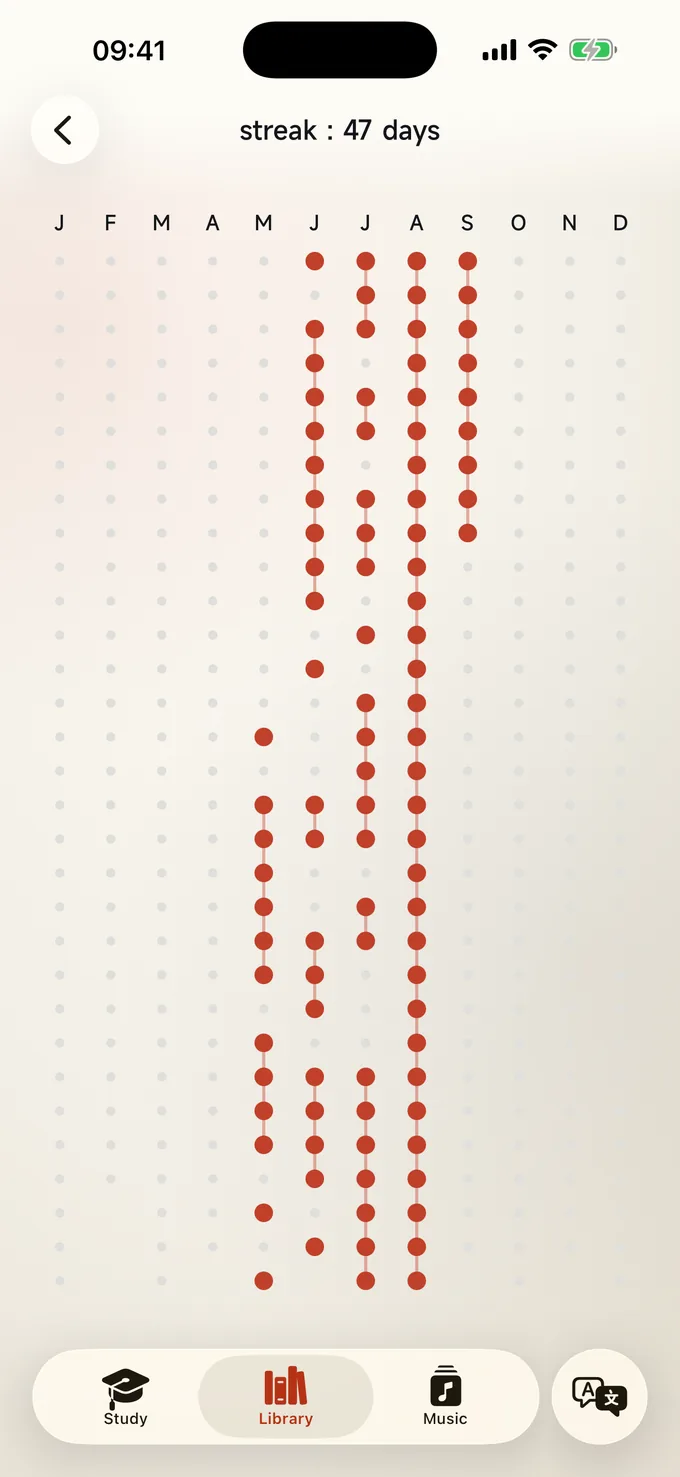
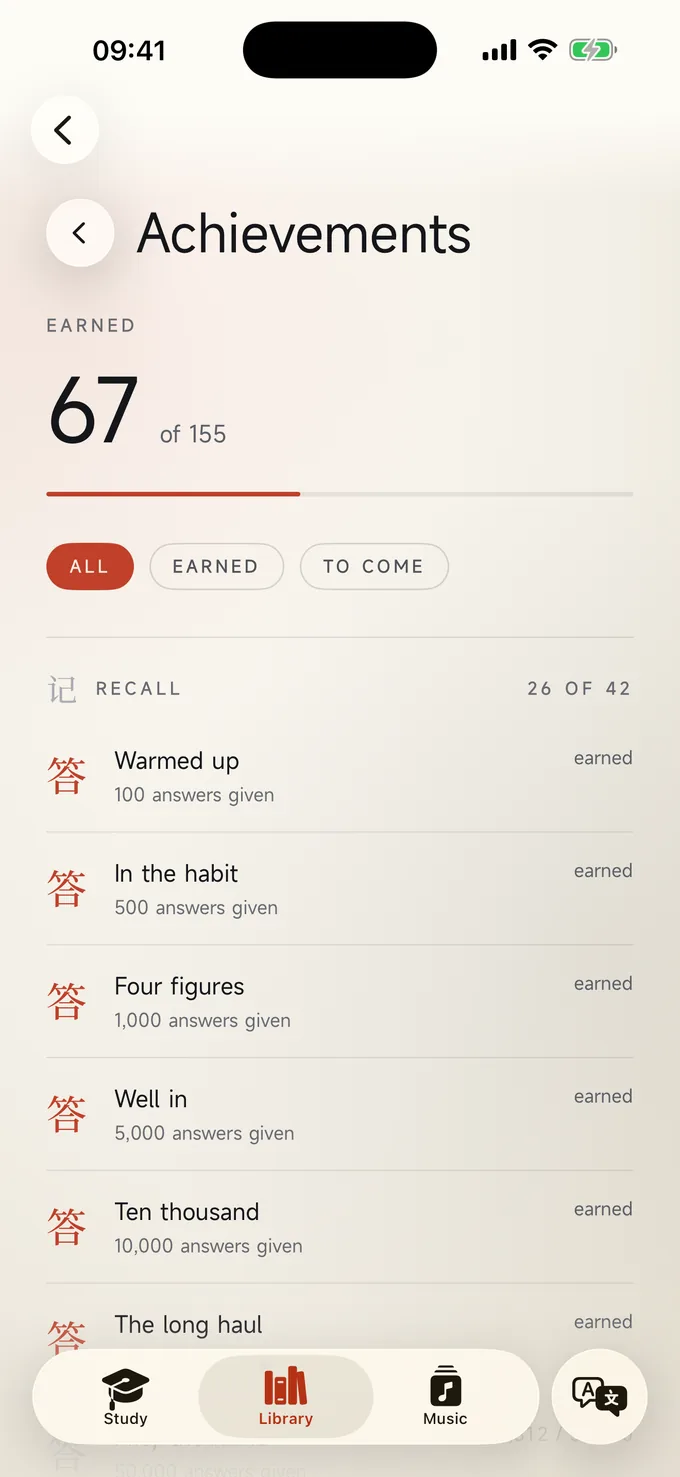
A calendar of every day you studied, a streak count, and over 150 achievements that mark the milestones as you pass them.
Settings worth mentioning
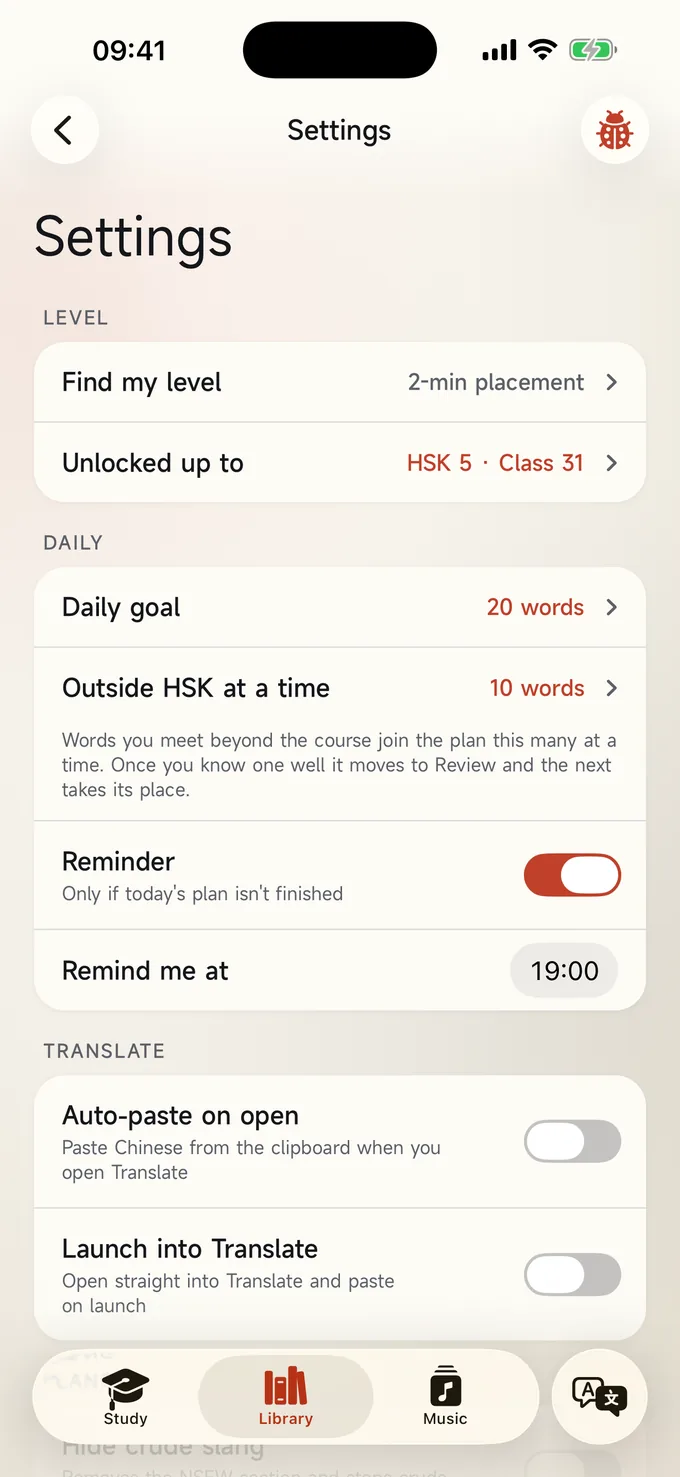
Choose your daily goal, set a reminder time, find your level with a placement test built on real exam questions, and choose which skills to focus on, switch the app's labels between English and Chinese, and pick the voice. That is the whole settings page; there is nothing to buy in it.
Works everywhere, syncs everywhere
Everything is on your device and works offline. Your progress syncs through your own iCloud account to your other iPhones and iPads. I never see it. The app works inside mainland China without a VPN.
All of this is on the Mac too.
The same course, library and memory, in a window built for a desk — with system-wide lookup of any Chinese on your screen. See the Mac page.
Focus on the skills you want.
Version 3.2.2 for iPhone and iPad, and 1.1.1 for Mac. Choose which skills to put your energy into, find your level with real exam questions, and learn new words with Flashcards.
Focus & skill levels
Choose where to put your energy among reading, listening, handwriting and typing. The skills you focus on come up more often; the others are asked less, never dropped. Each skill can also be unlocked up to its own level, so you can read at HSK 4 while you write at HSK 2.
A placement test built on the exam
Find my level asks which skills to test, then climbs each one on questions from the HSK practice papers: their recordings, their reading questions, and gap sentences you write by hand or type. Every skill keeps its own result.
Flashcards that teach
Practise a new word, or pass it if you already know it. Turn a word you have met to check yourself, then say whether you remembered it, with short tests in between. Every character is one card with all its meanings.
More practice papers
Thirteen more papers for HSK 1 to 4 (35 in all), which between them use every word of each level, both read and heard, with over 160 more pictures and a readiness card that shows how you have done in each section.